

Google Business Page Optimization Tips
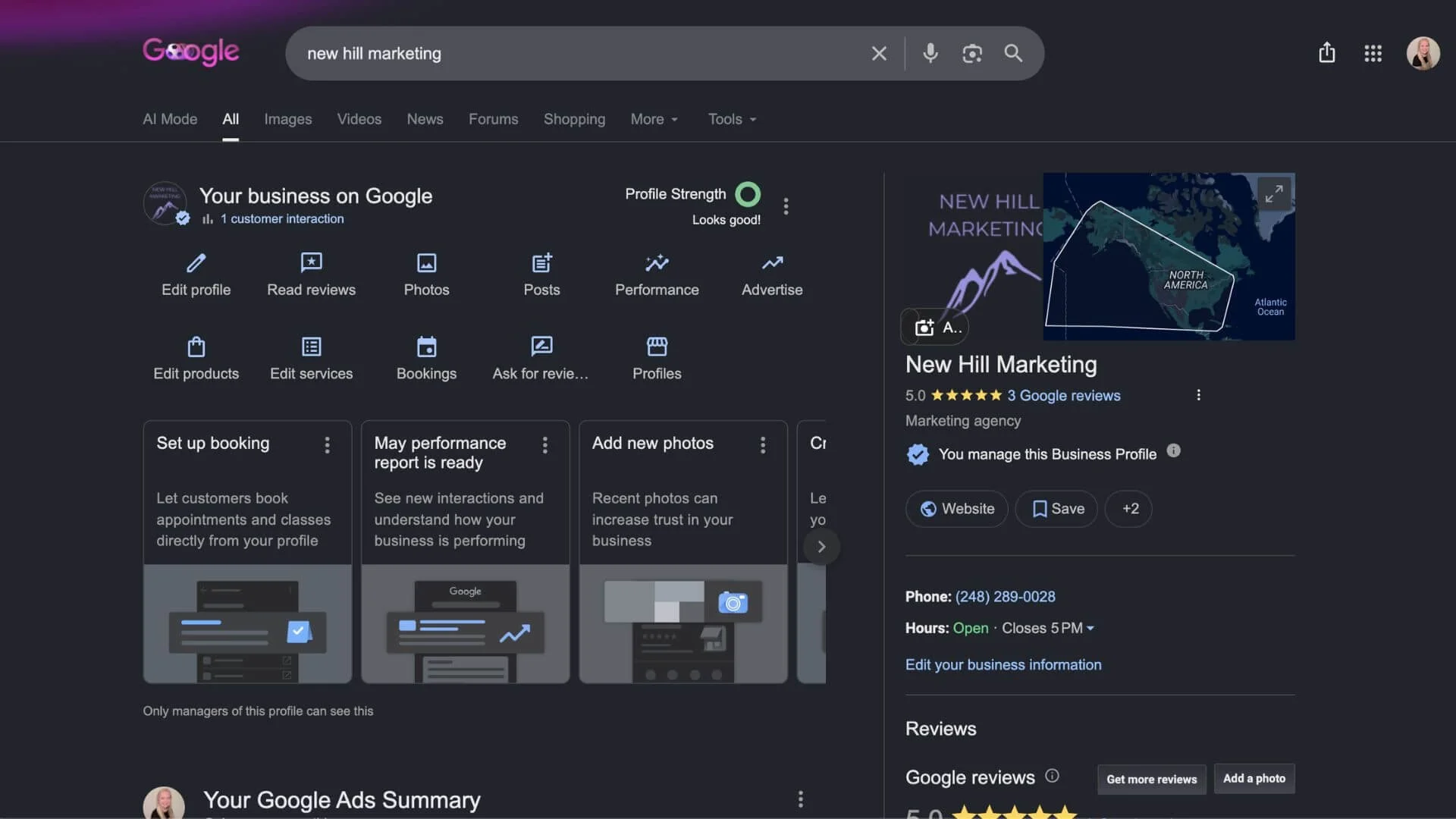
Your website isn't always the first thing people see; your Google Business Profile usually is. Whether someone is searching on Google Search or Google Maps, your profile helps them decide if you're the right business for the job.
The good news is that a few simple updates can make a big difference. In this guide, we'll walk through practical Google Business Page optimization tips that can improve your local visibility and help more customers find your business.
Key Takeaways
Complete every section of your Google Business Profile for better visibility.
Choose accurate business categories that reflect your services.
Regularly upload photos, posts, and updates to keep your profile active.
Respond to customer reviews as soon as you can to build trust and improve engagement.
Google Business Page optimization is an ongoing process that supports long-term local SEO.
Why Google Business Page Optimization Matters
Think of your Google Business Profile as your digital storefront.
Before someone visits your website, they're often looking at your hours, reviews, photos, services, and location directly in Google Search or Google Maps. If your profile is incomplete, or worse, outdated, you could lose a customer before they ever click on your website.
Google also uses information from your profile when deciding whether businesses appear in local search results or not. While many factors influence local rankings, Google primarily looks at three things:
Relevance: How closely your business matches what someone is searching for.
Distance: How close your business is to the searcher.
Prominence: How established and trustworthy your business appears online.
You can't control where someone is searching from, but you can absolutely improve your relevance and prominence through consistent Google Business Page optimization.
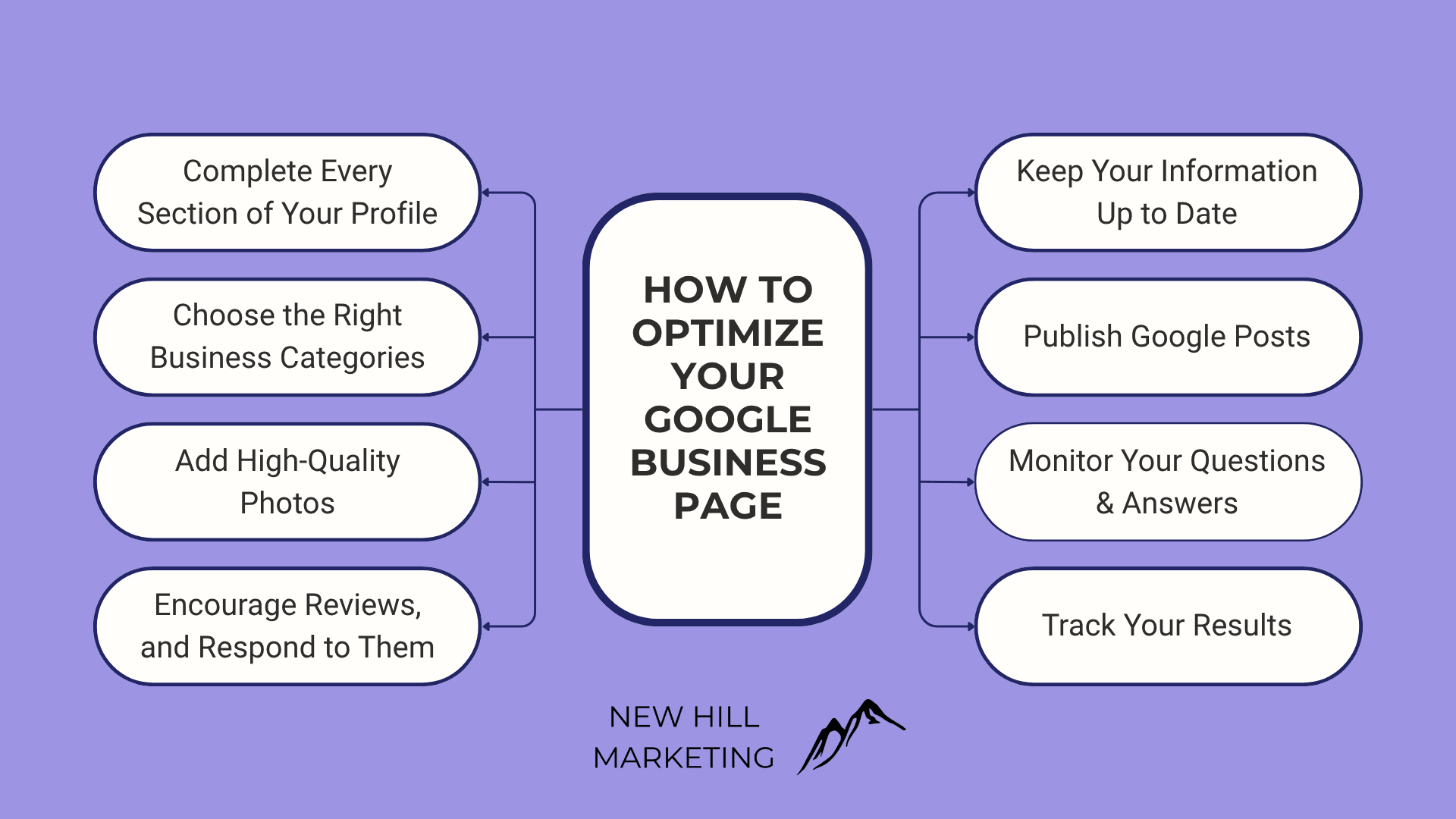
How to Optimize My Google Business Page
Here’s how we help clients optimize their Google Business Pages.
1. Complete Every Section of Your Profile
One of the biggest mistakes businesses make is leaving parts of their profile blank.
Take the time to fill out everything Google gives you, including:
Business name
Address
Phone number
Website
Business hours
Services
Products (if applicable)
Business description
The more complete your profile is, the easier it is for both Google and potential customers to understand what your business offers.
2. Choose the Right Business Categories
Your primary business category is one of the strongest signals Google uses to understand your business.
Choose the category that best describes what you do, then add relevant secondary categories for additional services.
For example, if you're a roofing contractor, your primary category might be Roofing Contractor, while secondary categories could include Gutter Installation Service or Siding Contractor if you offer those services.
Avoid selecting categories that don't accurately represent your business just because they seem popular. Relevance is always more important.
3. Add High-Quality Photos
People trust businesses they can actually see.
Adding professional, up-to-date photos helps customers feel more comfortable before they contact you. It also gives Google more signals that your business is active.
Consider uploading photos of your:
Building exterior
Interior
Team
Completed projects
Products
Equipment
Company vehicles
Keep adding new photos throughout the year instead of uploading them all at once.
4. Encourage Reviews, and Respond to Every One
Online reviews are one of the strongest trust signals for both customers and search engines.
After completing a project or serving a customer, politely ask them to leave a review. Even a short review can help improve your local presence.
Just as importantly, respond to every review you receive.
Thank customers for positive feedback and respond professionally to negative reviews. Future customers pay attention to how businesses handle criticism, not just the rating itself.
5. Keep Your Information Up to Date
Nothing frustrates potential customers faster than incorrect information.
If your business hours change, you move locations, launch a new service, or update your phone number, make those changes immediately.
You should also remember to update:
Holiday hours
Seasonal services
Temporary closures
New website URLs
Keeping your profile accurate helps customers and prevents confusion.
6. Publish Google Posts
Many businesses don't realize they can post directly to their Google Business Profile.
Google Posts let you share updates that appear right on your profile, giving visitors another reason to engage with your business.
Ideas include:
New blog articles
Promotions
Seasonal offers
Company news
Community involvement
New services
You don't have to post every day. Even publishing one or two updates each month helps show that your business is active.
7. Monitor Your Questions & Answers
Anyone can ask questions on your Google Business Profile, and anyone can answer them.
That's why it's important to monitor this section regularly.
If someone asks about your pricing, services, or business hours, respond as quickly as possible with accurate information.
You can even add frequently asked questions yourself to help customers find answers before they need to ask.
8. Track Your Results
Google provides valuable insights directly inside your Business Profile.
Pay attention to metrics like:
Website clicks
Phone calls
Direction requests
Search terms people used to find you
These insights can help you understand what's working and where you have opportunities to improve.
Remember, Google Business Page optimization isn't something you do once and forget about. Small improvements over time often produce the best long-term results.
Common Google Business Profile Mistakes
Even businesses with great products or services can hurt their local visibility by making simple mistakes.
Some of the most common include:
Leaving profile sections incomplete
Using inconsistent contact information across the web
Choosing inaccurate business categories
Never updating photos
Ignoring customer reviews
Keyword stuffing your business name
Creating a profile and never maintaining it
Avoiding these mistakes can make a noticeable difference in both customer trust and local search performance.
Why Choose New Hill Marketing?
At New Hill Marketing, we know your Google Business Profile is much more than an online directory listing; it's one of the most valuable local SEO tools your business has.
We help businesses optimize every part of their profile, from choosing the right categories and writing keyword-friendly business descriptions to creating posting strategies, improving local visibility, and building stronger review management systems.
Ready to Improve Your Local Visibility?
Your Google Business Profile is one of the easiest and most cost-effective ways to attract more local customers, but only if it's properly optimized and actively maintained.
At New Hill Marketing, we help businesses build stronger local SEO strategies through complete Google Business Page optimization, ongoing management, and practical recommendations that support long-term growth.
Want to attract more local customers? Reach out to us today; we’re happy to help!
Frequently Asked Questions
How often should I update my Google Business Profile?
We recommend reviewing your profile at least once a month. Add new photos, publish updates, respond to reviews, and keep your business information accurate year-round.
Does Google Business Page optimization really help local SEO?
Yes. An optimized Google Business Profile can improve your visibility in local search results and Google Maps while making it easier for potential customers to contact your business.
Can I optimize my Google Business Page myself?
Absolutely. Many improvements, like adding photos, updating your business information, responding to reviews, and publishing Google Posts, can be done yourself. If you're looking for a more comprehensive local SEO strategy, working with a professional can help maximize your results.
How long does it take to see results?
Some updates, like correcting business information or adding fresh photos, can improve the customer experience immediately. Improvements in local rankings usually happen gradually as Google collects more signals over time. Like SEO, consistency is key.
Can my service-based business without an address have a Google Business Profile?
Yes! Service-based businesses can create a Google Business Profile even without a public storefront. Simply set up your profile as a service-area business, hide your address, and list the areas you serve. Once verified, your business can still appear in Google Search and Google Maps, helping local customers find you.
